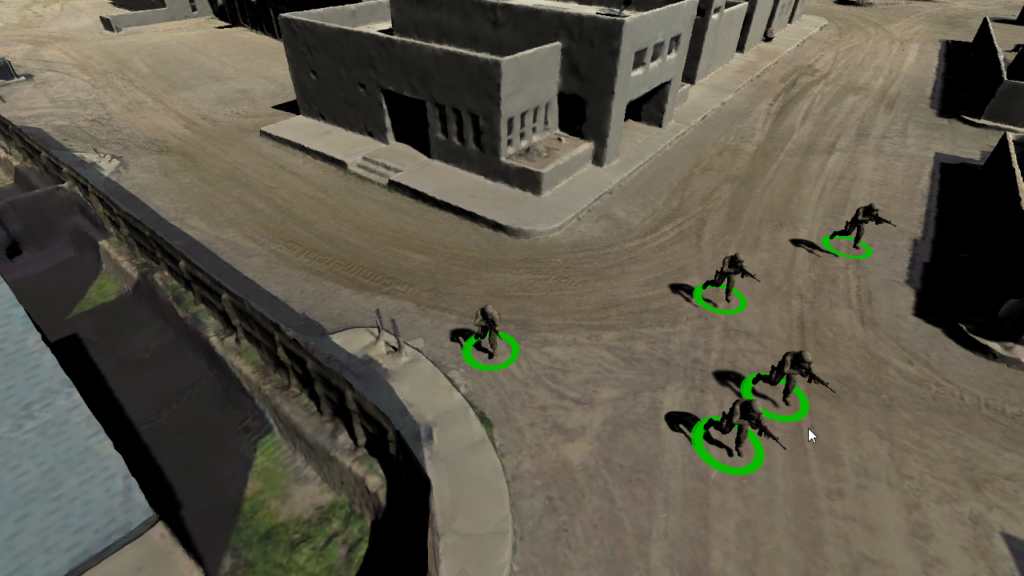
A* Pathing
Demonstrates how to use the “A* Pathfinding” option as a new movement system type for units.

Demonstrates how to use the “A* Pathfinding” option as a new movement system type for units.

Instance Red/Blue agents through script at runtime.
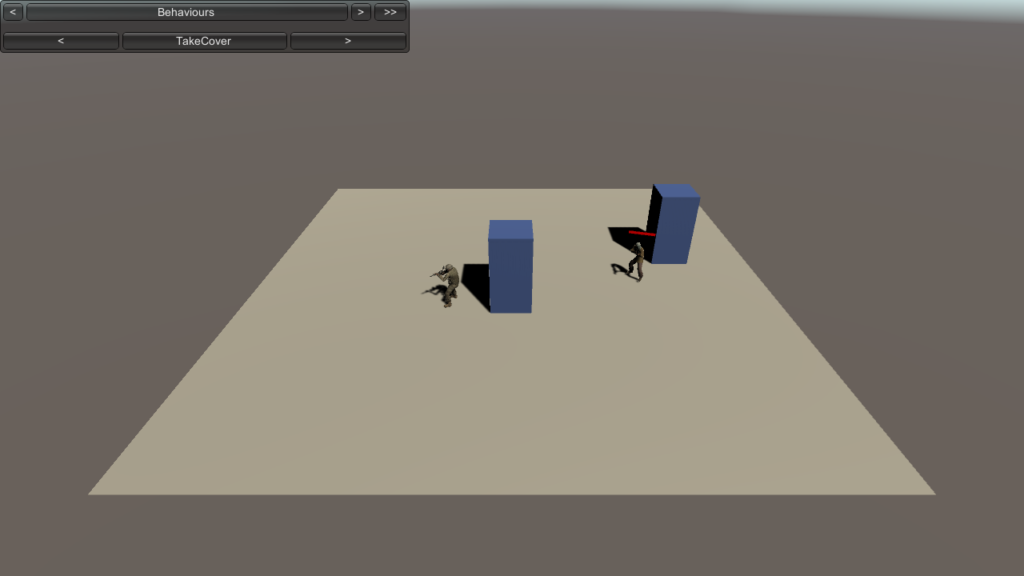
Demonstrates a code-driven set of general and custom agent behaviors for a unit.
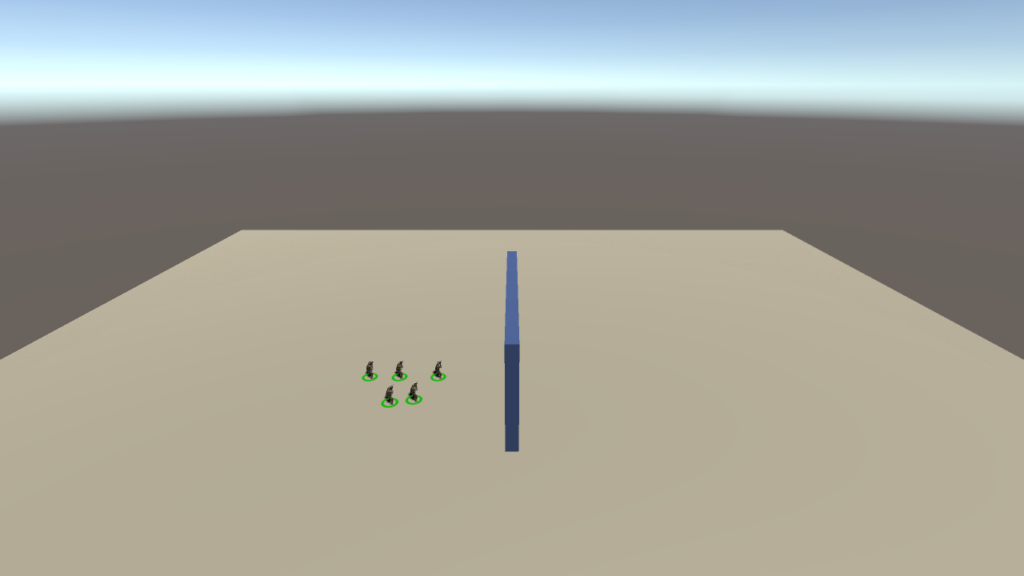
Command agents with basic real-time strategy (RTS) control type input. Displays a selector marquee in a specified color, with selected agents displaying a circular icon at their base.
Demonstrates how to setup a scene to use VHMsg (ActiveMQ wrapper) in RIDE.
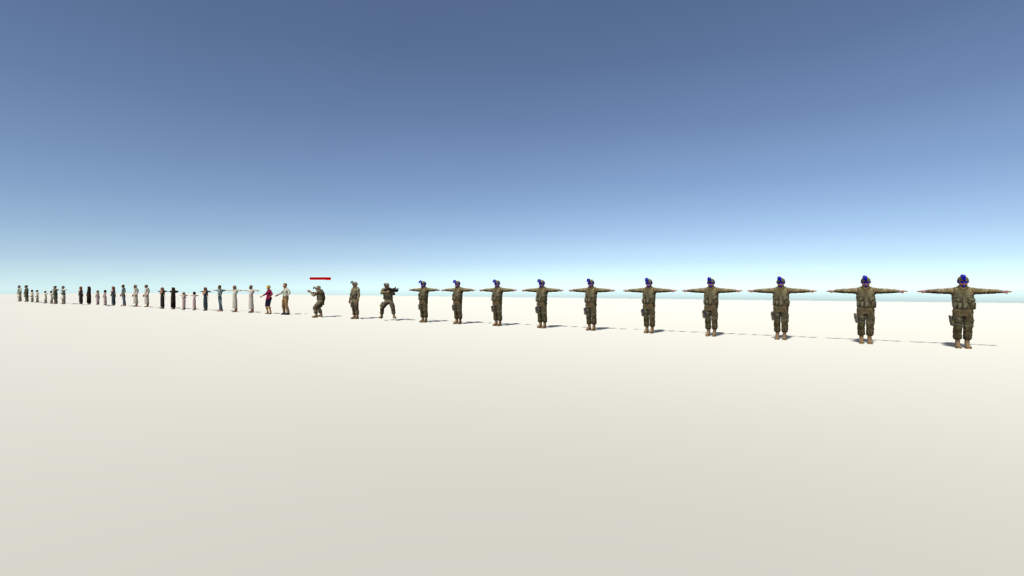
Collects available entity prefabs for inspection, modification and testing.
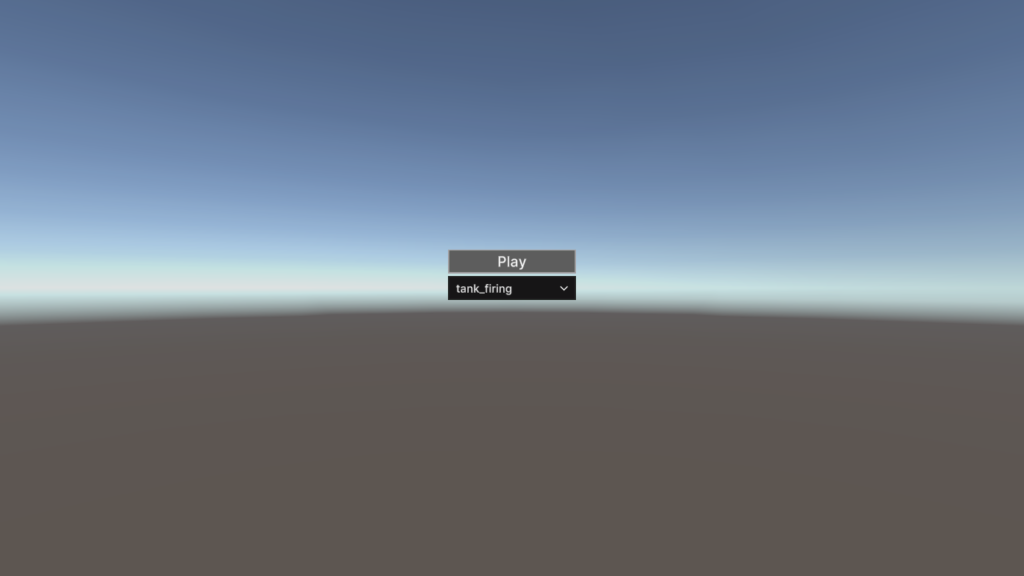
This example demonstrates how to load and play audio clips in RIDE.
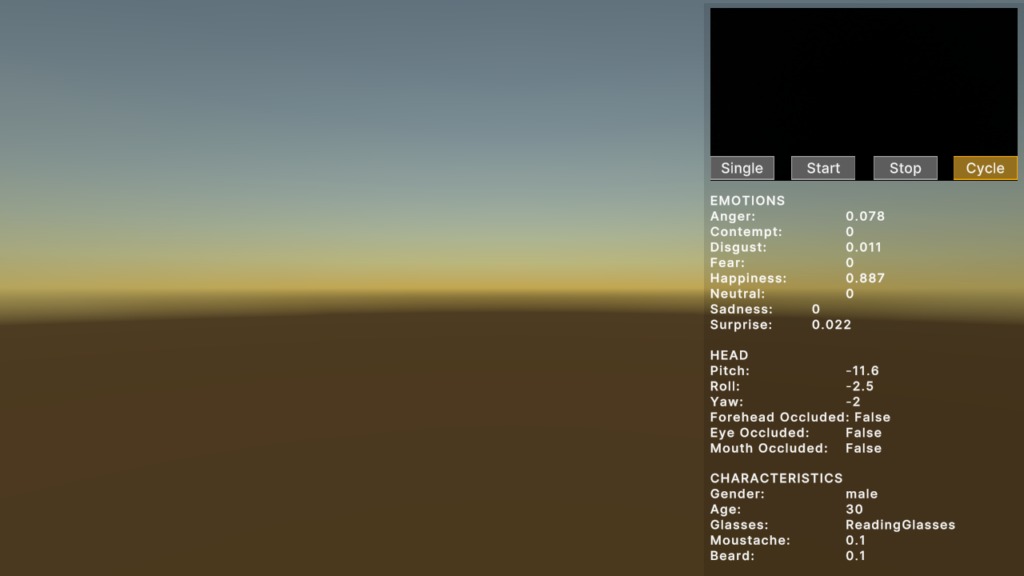
Shows how to leverage commodity audio-visual sensing AI services through REST calls, using RIDE’s common web services system.
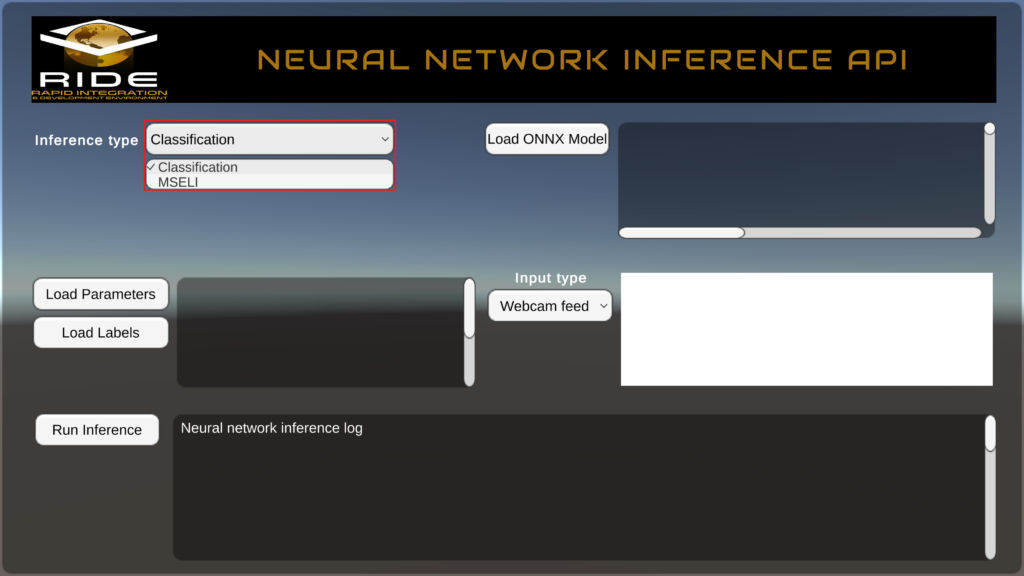
This example demonstrates how to examine and run unit tests on various Machine Learning models residing within/outside RIDE backed with Unity Barracuda framework.
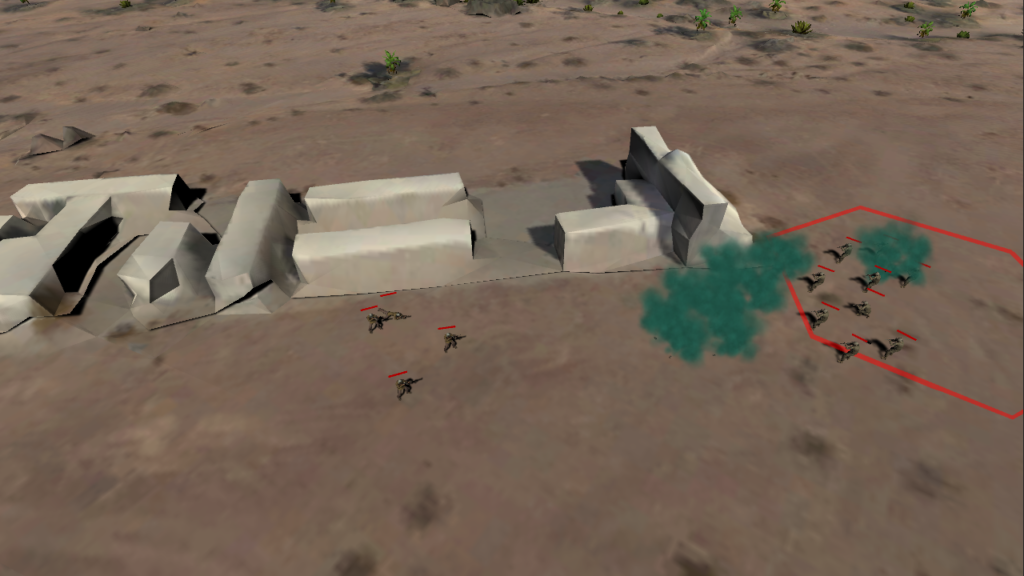
Demonstrate various ICT S&T research lines in a well-known format with very specific pass/fail parameters and training objectives.
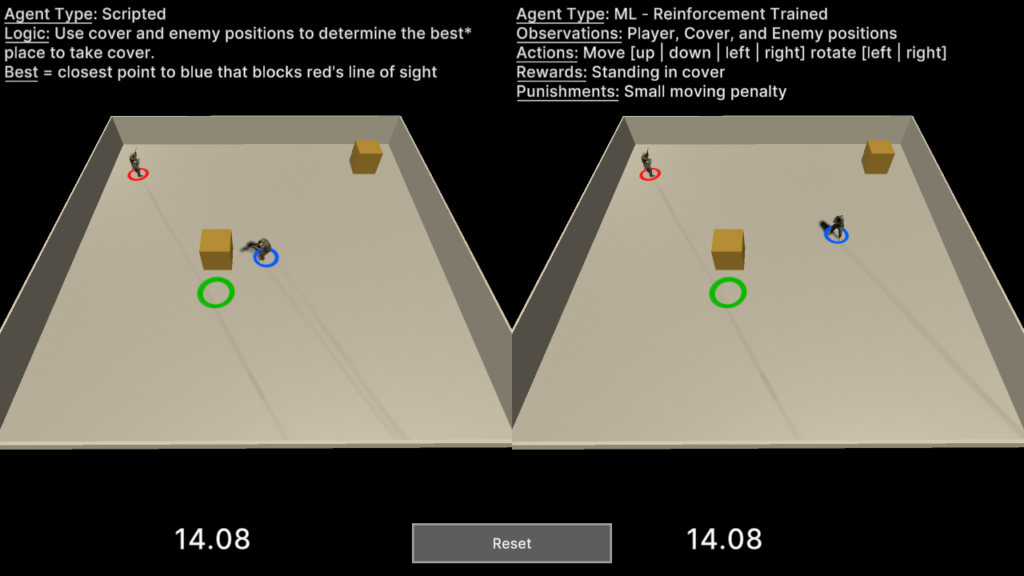
This scene demonstrates how one might analyze side-by-side the performance of two approaches for agent cover behaviour: scripted vs. Machine Learning (ML).
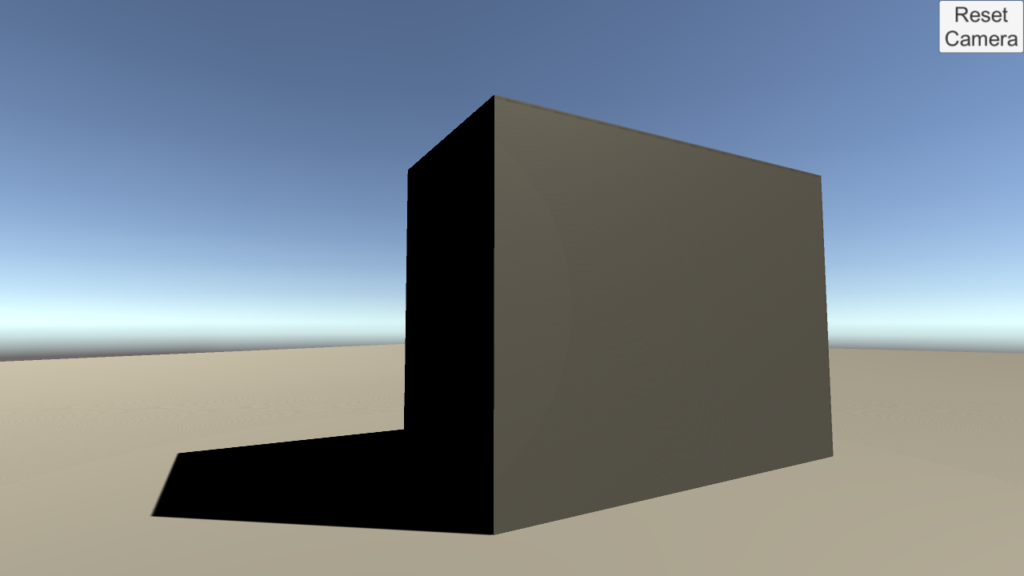
Demonstrates how to reset a camera’s position and rotation at run-time using RIDE’s ICamera system.
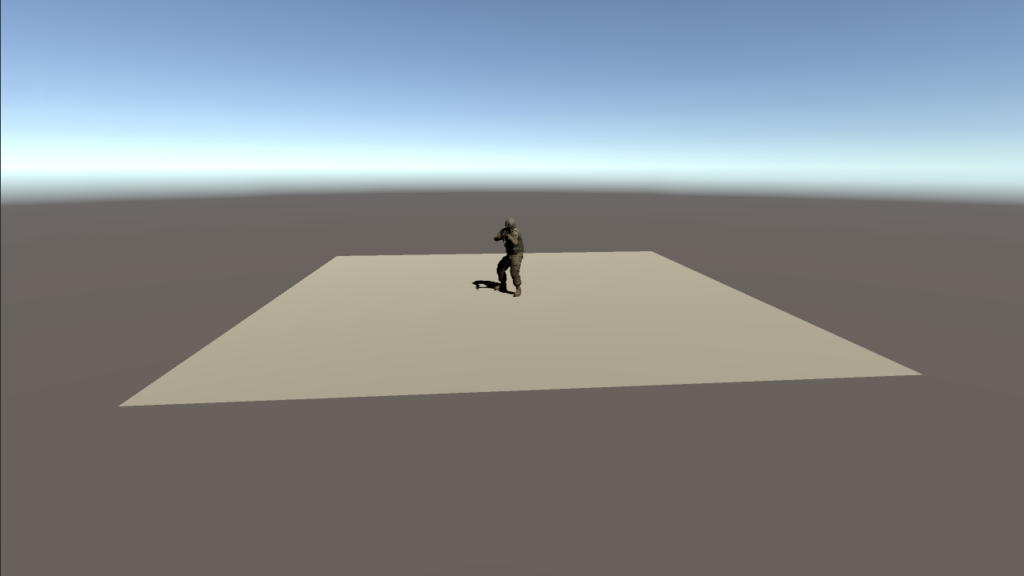
Demonstrates how to use RIDE’s tween (in-betweening) system to move a camera.
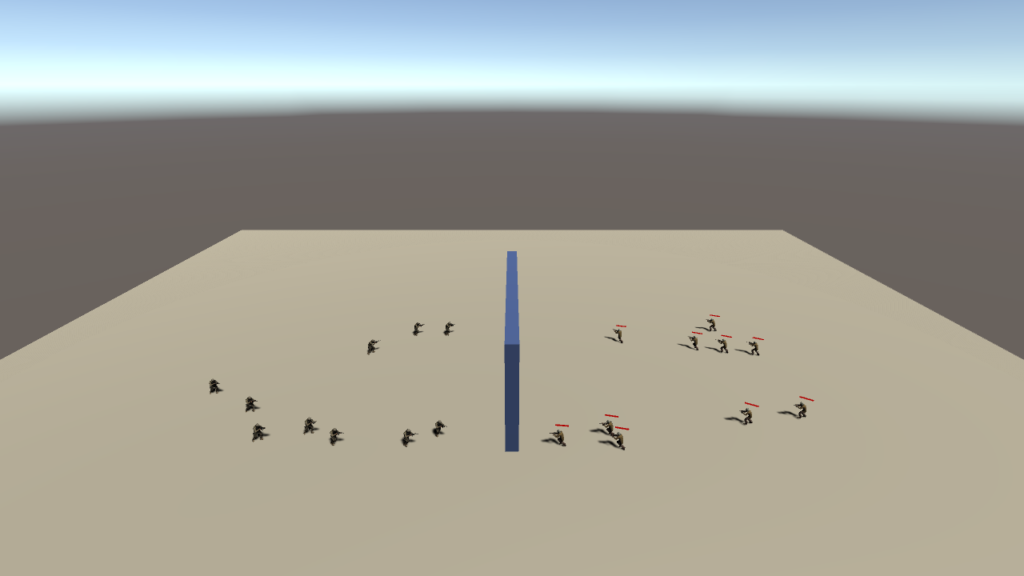
Define the unit spawn parameters of opposing Blue and Red agents. Autonomous behaviors enable each side to navigate obstacles and engage via line-of-sight in order to reach a waypoint.
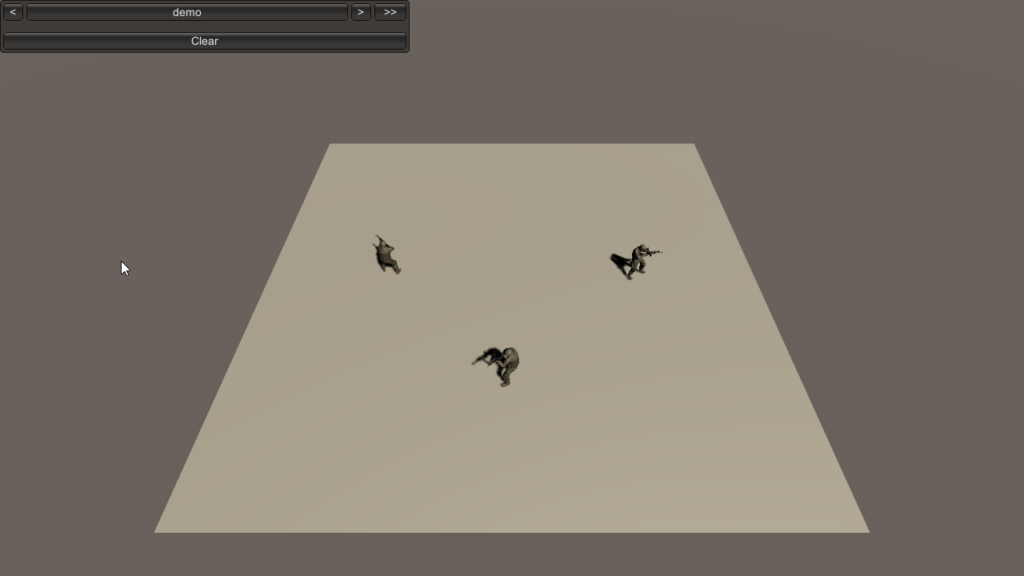
“DataMono” characters built by using bootstrappable data components for entities.
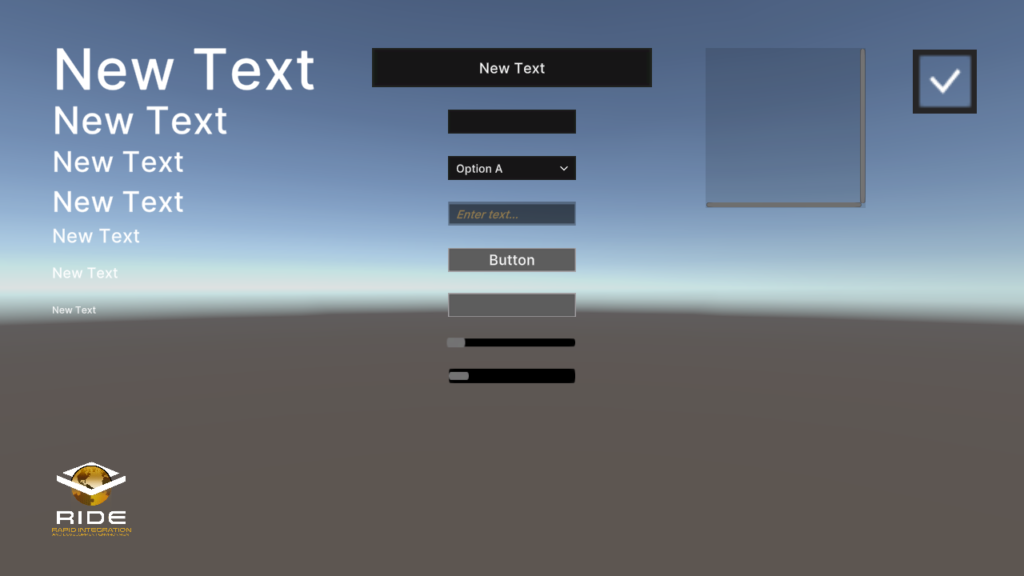
Collects the available UI elements (widgets) in RIDE.
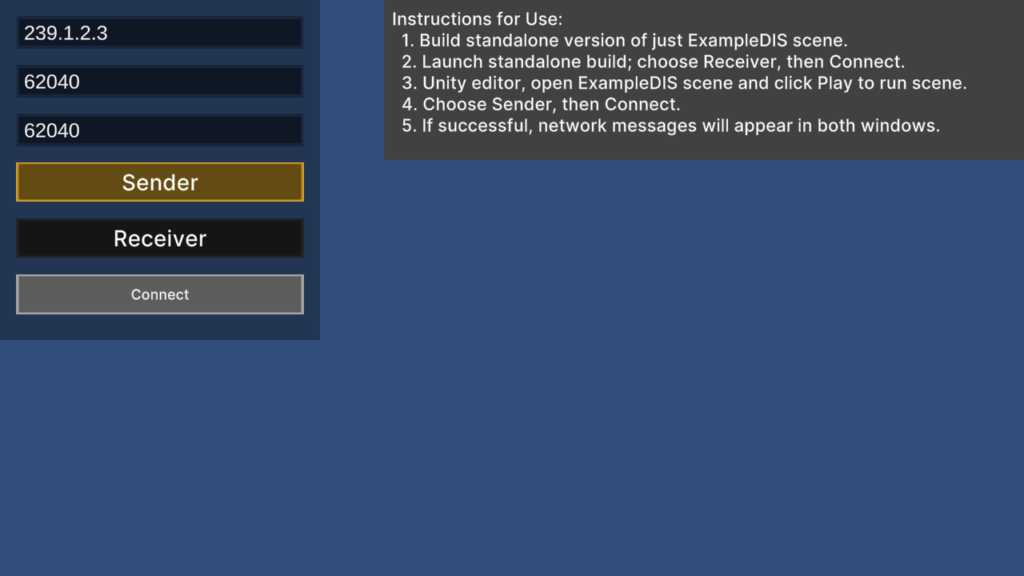
Demonstrates how to use RIDE systems to send and receive Distributed Interactive Simulation (DIS) messages.
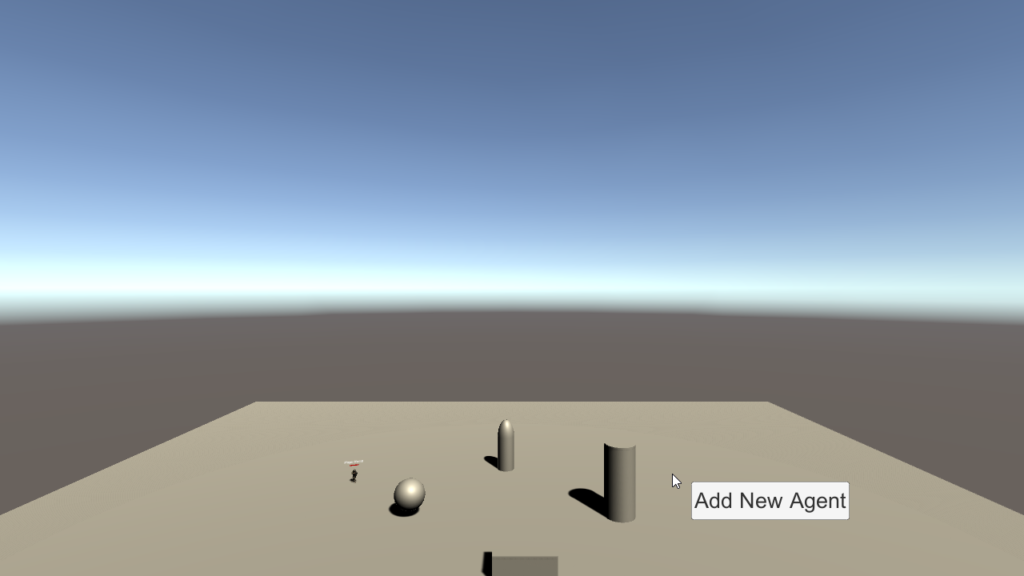
Spawn individual agents or squads, and then commandeer any single unit with full first-person fire/movement controls.
Shows how to upload and download files from cloud services AWS S3 and Azure Blob.
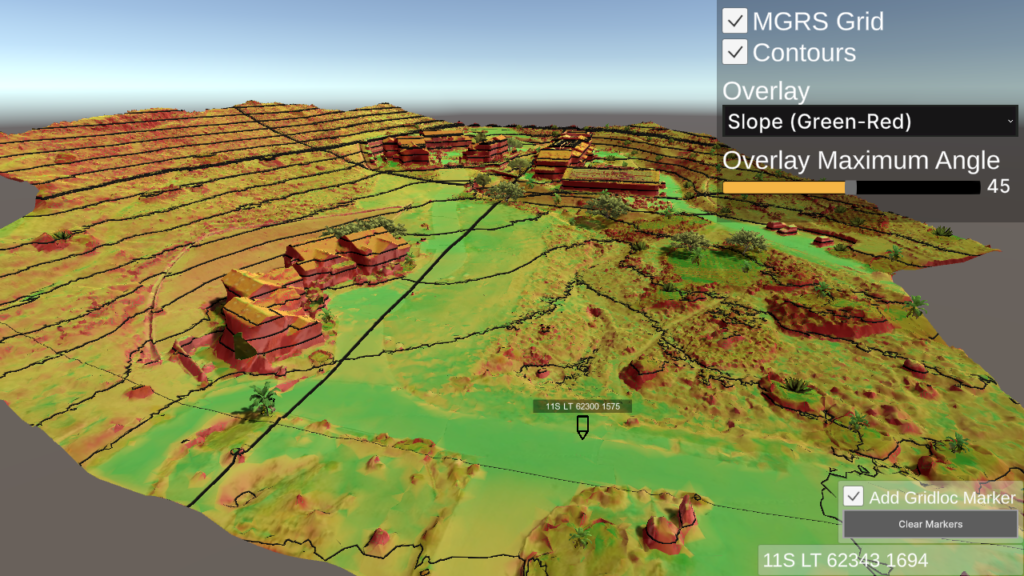
Demonstrates various tools for real-time terrain analysis.
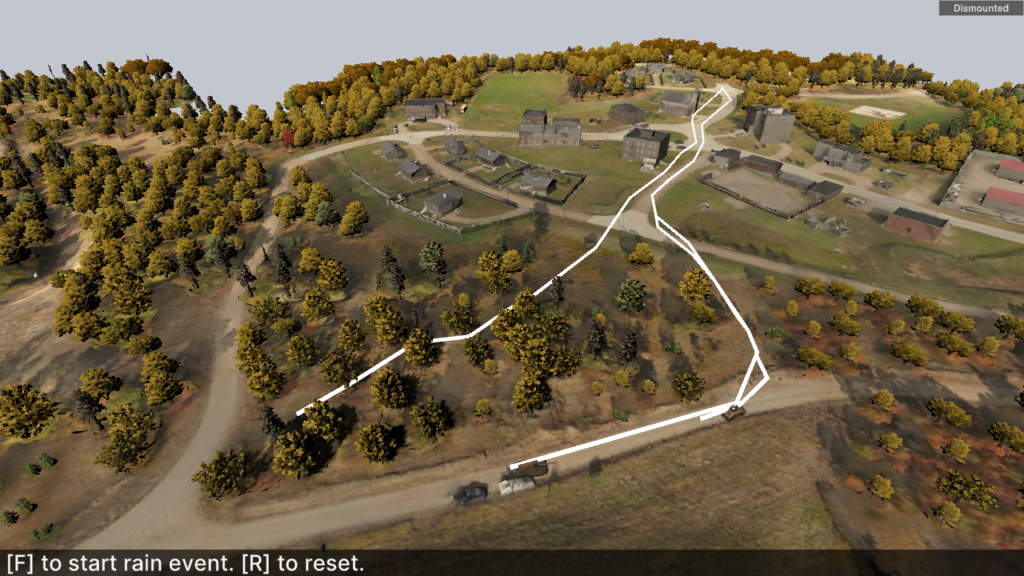
Demonstrates the dynamic navigation of different unit types to an arbitrary waypoint under a severe weather event affecting ground conditions.
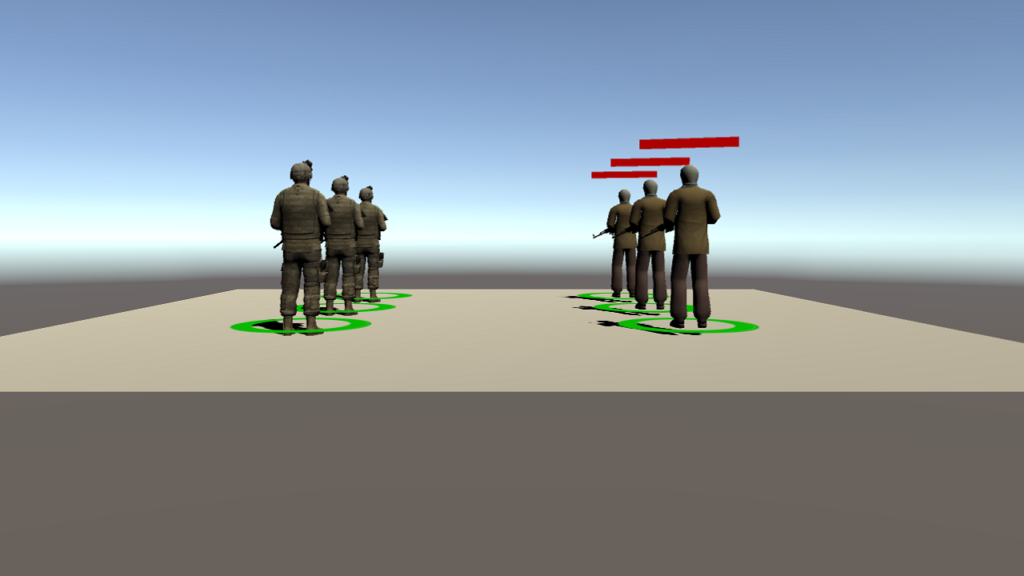
Establish groups for agents and relationships between the groups.
If the CommandLineParser.cs script is in the scene, and you create a build of the scene, then you can process all the ScenarioParameters and run your simulation with or without graphics.
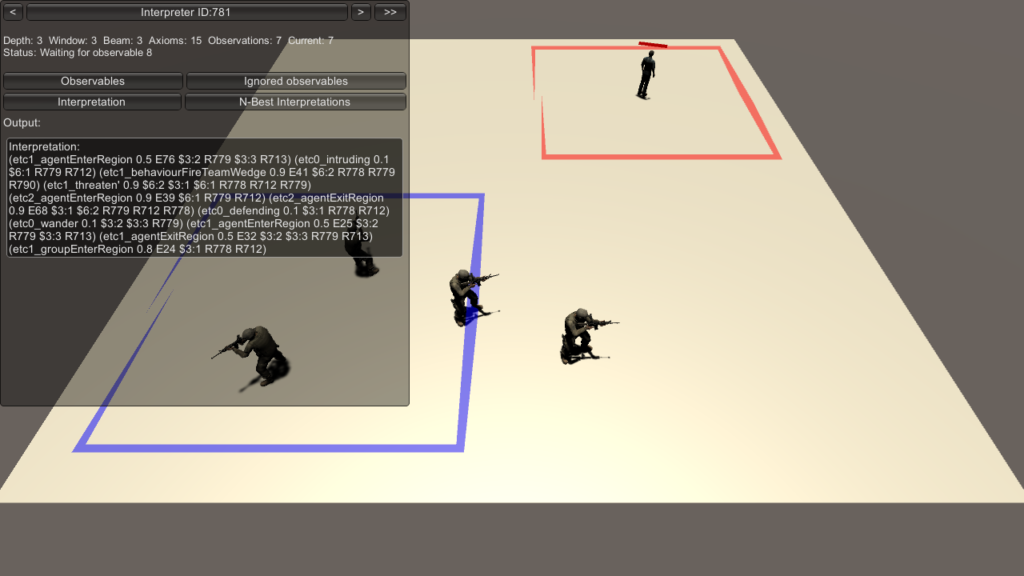
Demonstrates the systems for real-time interpretation of scenario events and narrative summarization.
Demonstrates how to use the “A* Pathfinding” option as a new movement system type for units.
Instance Red/Blue agents through script at runtime.
Demonstrates a code-driven set of general and custom agent behaviors for a unit.
Command agents with basic real-time strategy (RTS) control type input. Displays a selector marquee in a specified color, with selected agents displaying a circular icon at their base.
Demonstrates how to setup a scene to use VHMsg (ActiveMQ wrapper) in RIDE.
This example demonstrates how to load and play audio clips in RIDE.
Shows how to leverage commodity audio-visual sensing AI services through REST calls, using RIDE’s common web services system.
This example demonstrates how to examine and run unit tests on various Machine Learning models residing within/outside RIDE backed with Unity Barracuda framework.
Demonstrate various ICT S&T research lines in a well-known format with very specific pass/fail parameters and training objectives.
This scene demonstrates how one might analyze side-by-side the performance of two approaches for agent cover behaviour: scripted vs. Machine Learning (ML).
Demonstrates how to reset a camera’s position and rotation at run-time using RIDE’s ICamera system.
Demonstrates how to use RIDE’s tween (in-betweening) system to move a camera.
Define the unit spawn parameters of opposing Blue and Red agents. Autonomous behaviors enable each side to navigate obstacles and engage via line-of-sight in order to reach a waypoint.
“DataMono” characters built by using bootstrappable data components for entities.
Collects the available UI elements (widgets) in RIDE.
Demonstrates how to use RIDE systems to send and receive Distributed Interactive Simulation (DIS) messages.
Spawn individual agents or squads, and then commandeer any single unit with full first-person fire/movement controls.
Shows how to upload and download files from cloud services AWS S3 and Azure Blob.
Demonstrates various tools for real-time terrain analysis.
Demonstrates the dynamic navigation of different unit types to an arbitrary waypoint under a severe weather event affecting ground conditions.
Establish groups for agents and relationships between the groups.
If the CommandLineParser.cs script is in the scene, and you create a build of the scene, then you can process all the ScenarioParameters and run your simulation with or without graphics.
Demonstrates the systems for real-time interpretation of scenario events and narrative summarization.
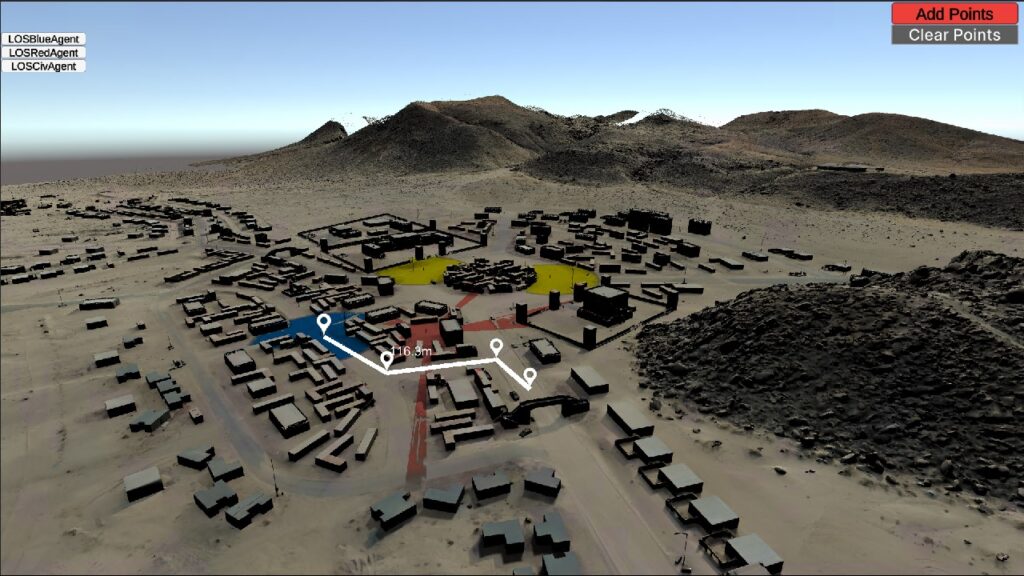
Demonstrates terrain map line-of-sight (LOS) system for BLUEFOR, OPFOR and CIV agents.
Create listeners for events and dispatch events in simulations.
Demonstrates loading of terrain maps into a specific scene with REST features.
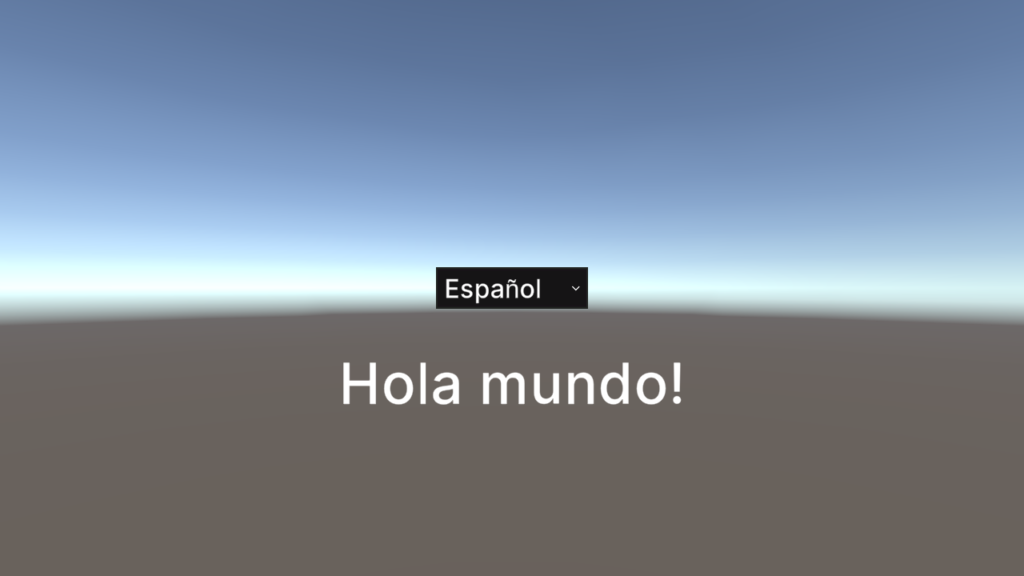
Demonstrates how to load, display, and switch between different languages
Use the RIDE API to implement your own logging.
Interface systems for moving agents in scenarios.
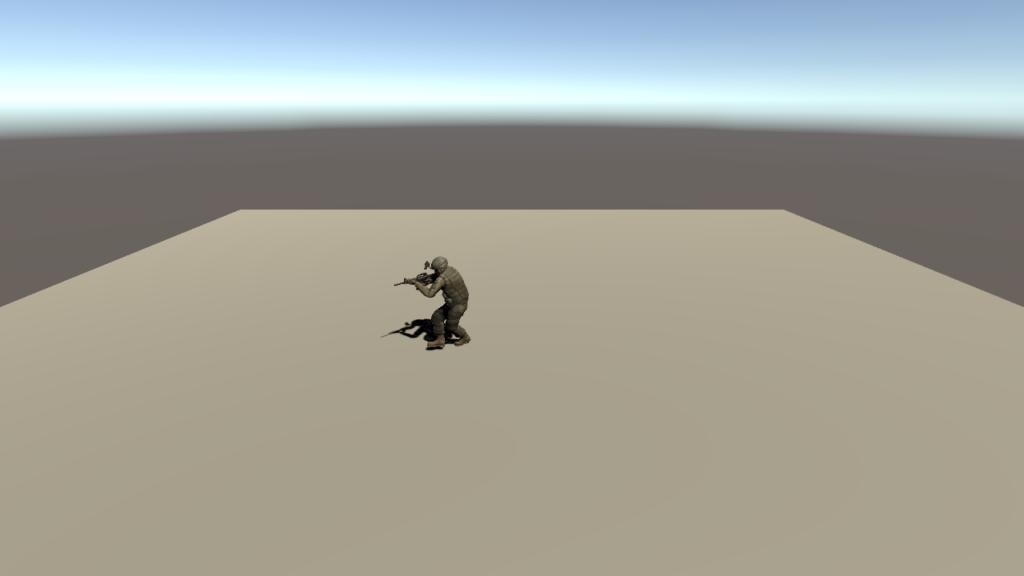
Master scenario events list injection (MSELI) allows you to create arbitrary events in the simulation and provide them with execution orders and conditions for their execution during the scenario.